

load.tw Blog
Image hosting tips, sharing tricks, tool tutorials — all in one place.
 2026.04.24
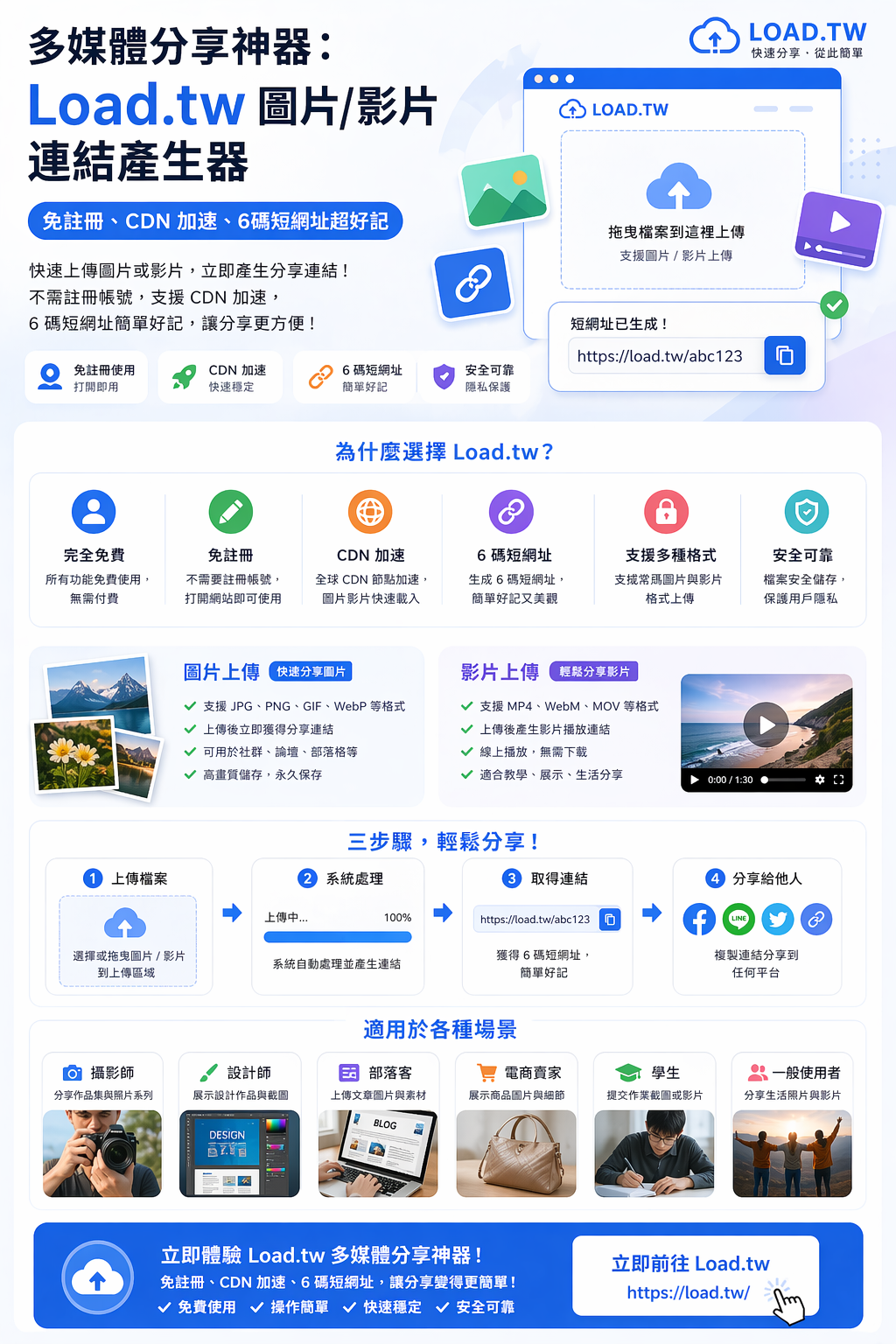
多媒體分享神器:Load.tw 圖片/影片連結產生器,免註冊、CDN 加速、6碼短網址超好記
Load.tw提供圖片與影片連結產生、免註冊使用、CDN 加速以及簡潔的 6 碼短網址,讓使用者可以在幾秒鐘內完成多媒體分享。
 2026.04.24
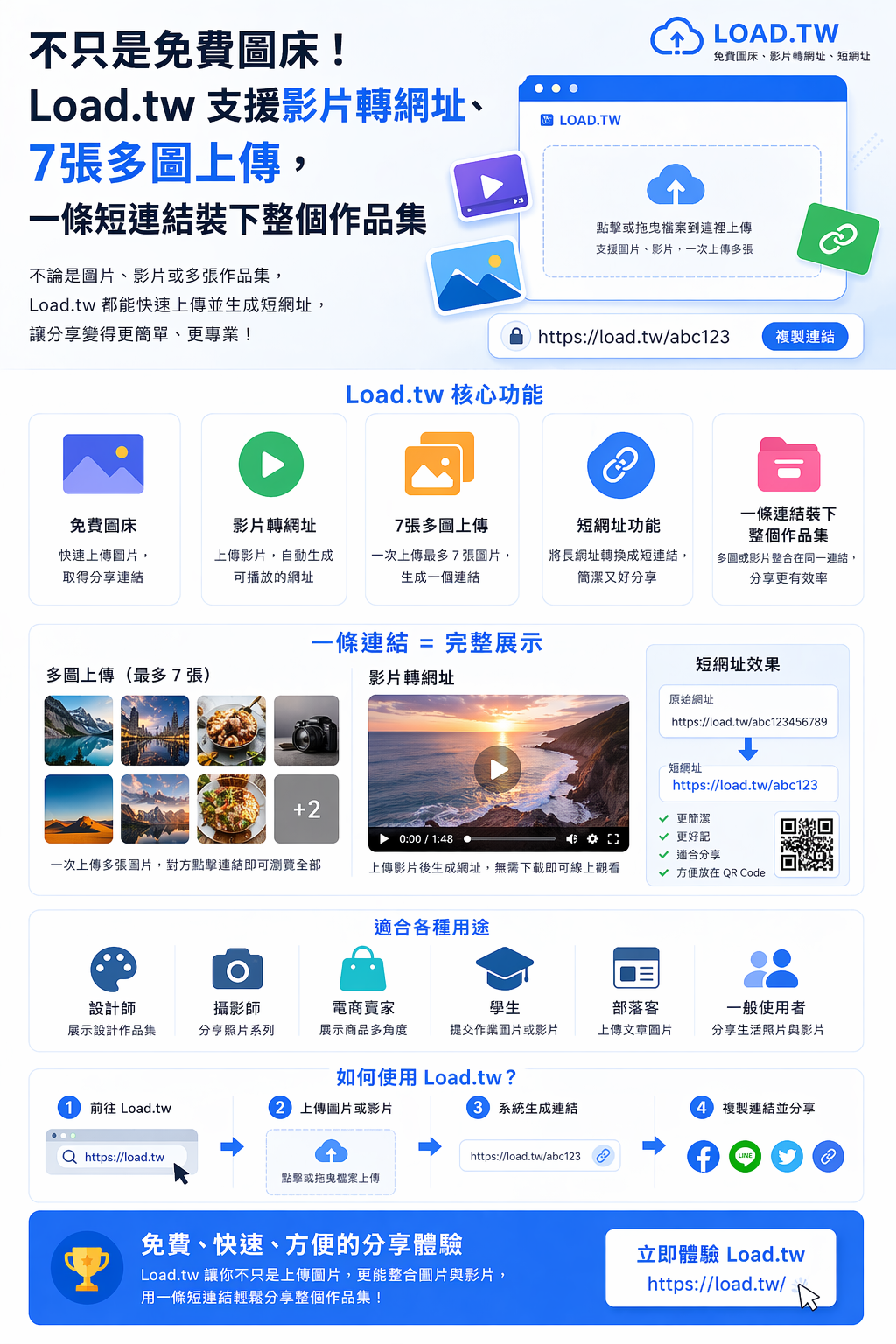
不只是免費圖床!Load.tw 支援影片轉網址、7張多圖上傳,一條短連結裝下整個作品集
Load.tw不僅提供免費圖床服務,還支援影片轉網址、多圖上傳與短網址功能,讓使用者可以用一條連結分享完整內容。
 2026.04.24
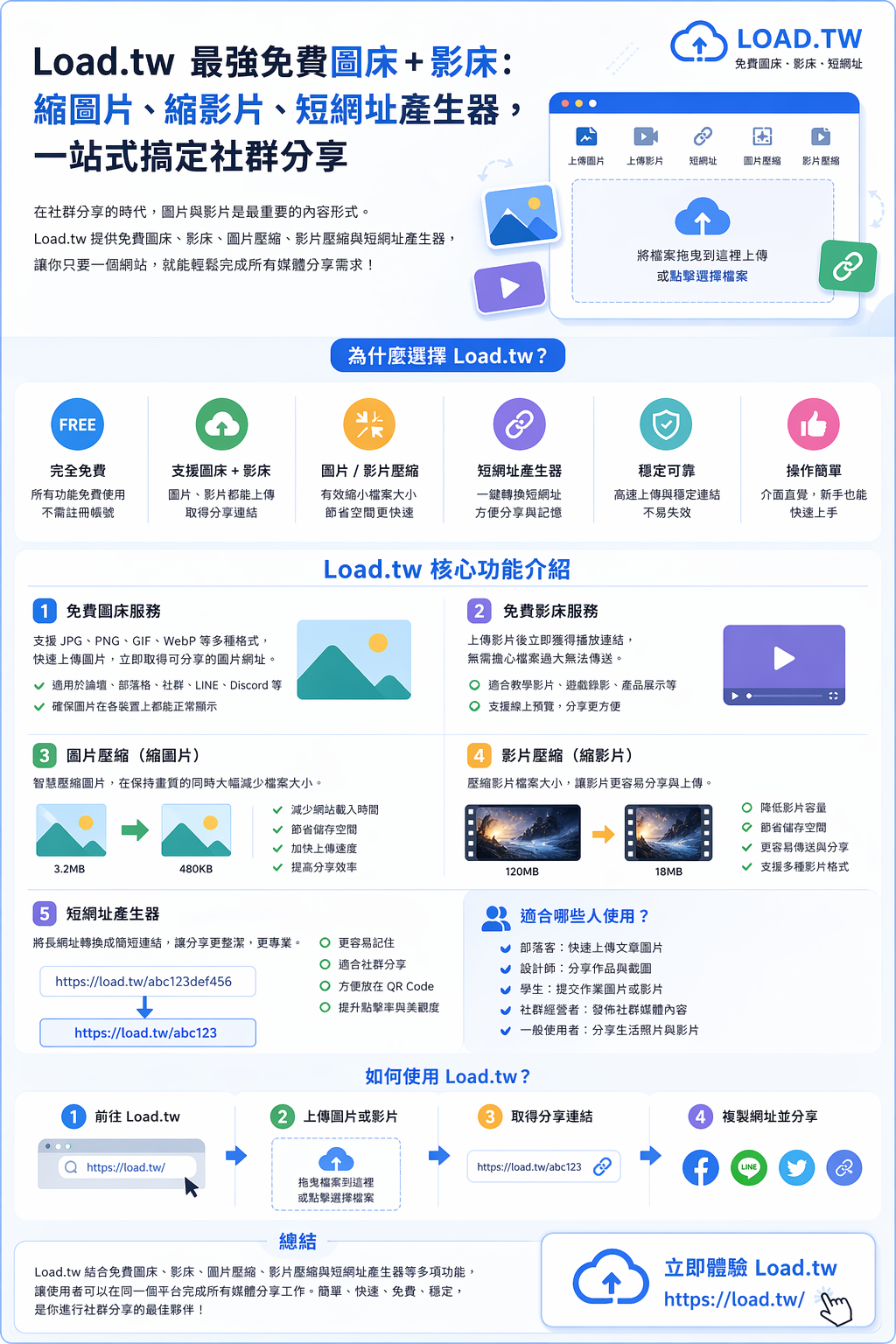
Load.tw 最強免費圖床 + 影床:縮圖片、縮影片、短網址產生器,一站式搞定社群分享
結合免費圖床、影床、圖片壓縮、影片壓縮與短網址產生器等多項功能,讓使用者可以在同一個平台完成所有媒體分享工作。
 2026.04.21
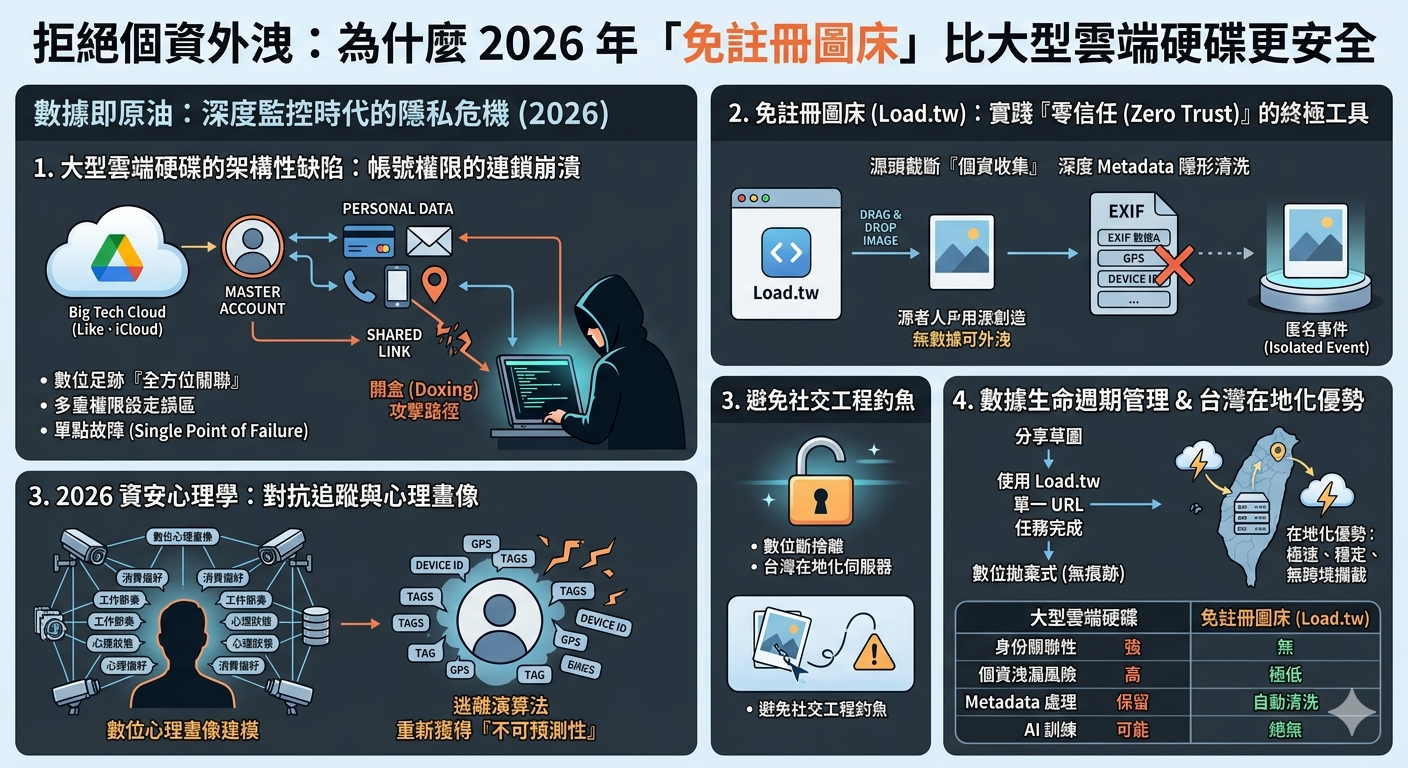
拒絕個資外洩:為什麼 2026 年「免註冊圖床」比大型雲端硬碟更安全
本文將從深度資安架構、社會工程學防護、以及數據生命週期管理等維度,完整解析為什麼在 2026 年,免註冊圖床在特定應用場景下,安全性遠超大型雲端硬碟。
 2026.04.19
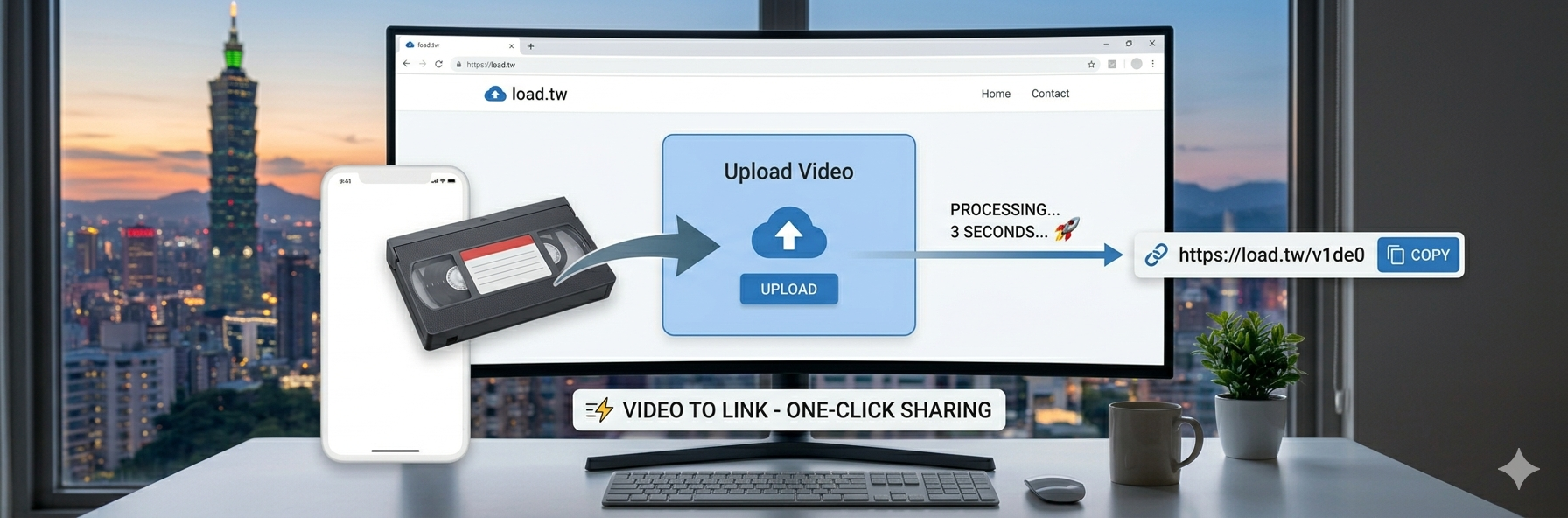
傳影片太麻煩?load.tw 一鍵轉網址分享(2026 最新實測)
在短影音盛行的時代,我們每天都在分享生活片段。然而,當你想把手機裡剛剪好的 4K 短片或是高畫質側拍傳給朋友時,總是會遇到各種障礙
 2026.04.17
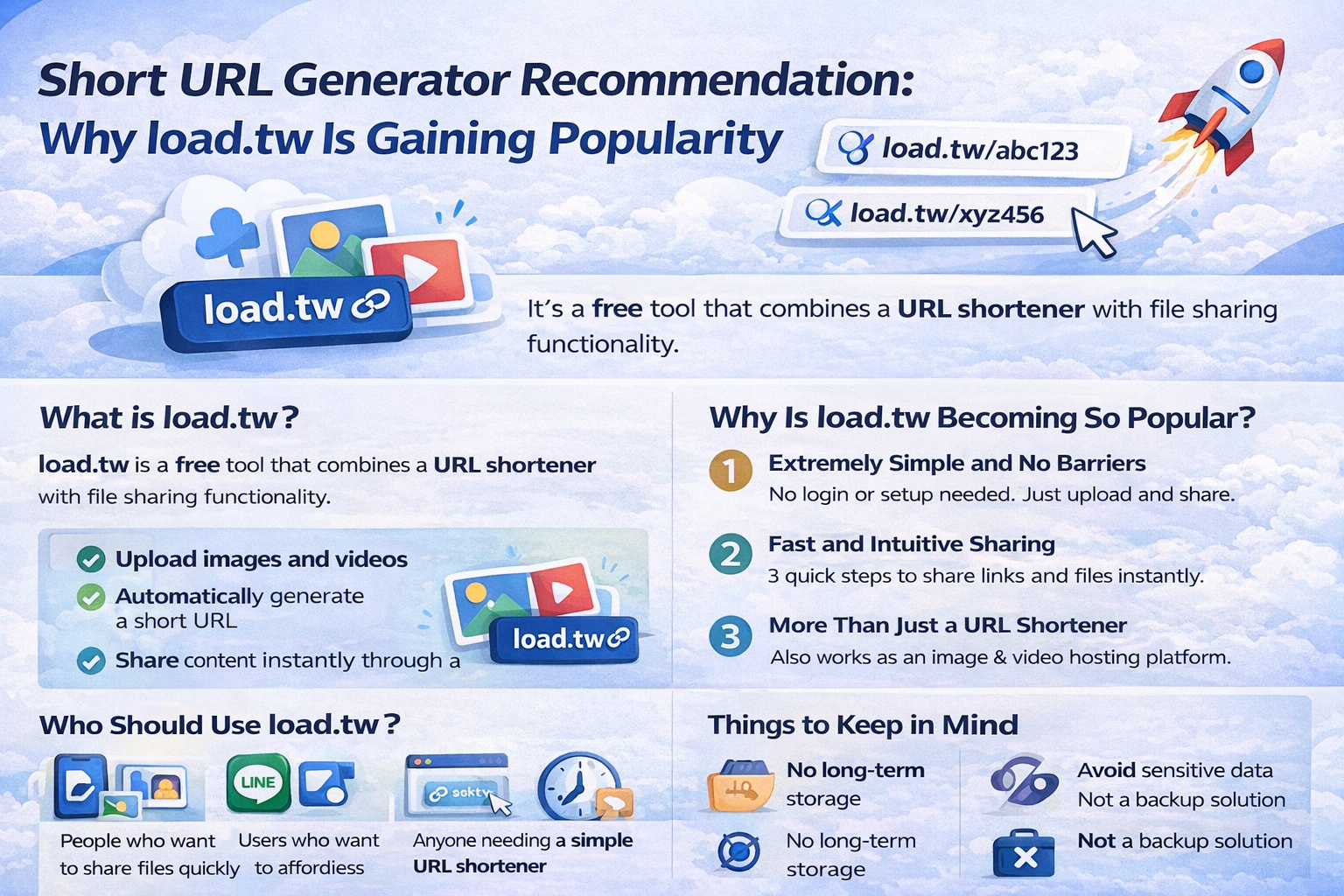
短網址產生器推薦:為什麼 load.tw 近期爆紅?
近幾個月,你可能在社群平台、論壇,甚至朋友傳來的連結中,開始頻繁看到像「load.tw/abc123」這樣的短網址。 這不是巧合,而是一個新興工具正在快速崛起。
Write for the load.tw blog
Have something worth reading — a workflow you worked out, a comparison you actually ran, a mistake that cost you a weekend? Write it up and we will publish it here, with your name and a link to your site at the end.
Who this is for
Small shops, side projects, agencies, SaaS teams, creators — anyone who wants their site in front of readers who are already looking for this kind of thing. A well-written article keeps bringing people in long after a paid post has stopped.
How it works
- Sign in with Google. One click. We need it so we can email you the result and so you can edit your draft later.
- Write the article in Markdown. Headings, bold, lists, links, images. There is a preview button that shows exactly what will be published.
- Submit for review. We read every submission by hand, usually within one to three working days.
- It goes live. You get an email with the link. If it is not a fit, you get an email saying why, and you can fix it and resubmit.
What gets published
- At least 300 characters, and genuinely written for a reader — not 300 characters of keywords.
- Your own work. Not copied from elsewhere, not bulk-generated.
- Concrete beats generic: real numbers, real screenshots, the thing that actually went wrong.
- One site to feature, named clearly. We would rather you say what you are promoting than hide it in the third paragraph.
What does not
- Pure advertising with no article around it.
- Gambling, adult content, counterfeit goods, anything illegal in Taiwan.
- Articles written only to place a link, where the text is filler.
- Anything already published elsewhere — duplicate content helps nobody's ranking, including yours.
About the links
Every external link in a submitted article carries rel="nofollow ugc". That is Google's own guidance for user-contributed content, and it keeps this blog from being treated as a link farm — which would hurt you as much as us. What you get is real: readers who click through, brand exposure on a page that ranks, and a page you can point people at.